

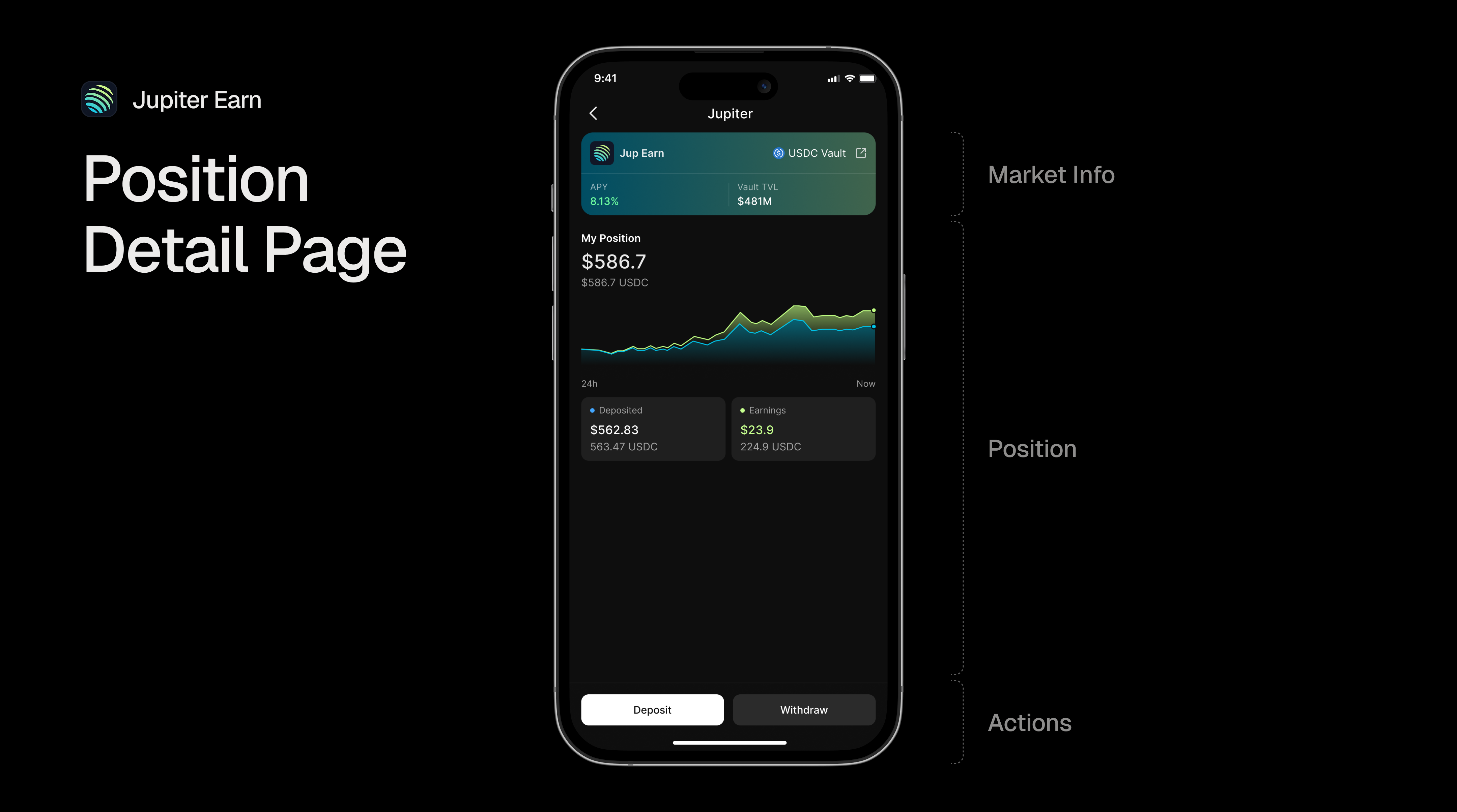
Our APIs give you the full picture of the Jupiter Lend market. It starts with reading the market rates, over depositing assets, tracking your positions, and withdrawing your assets.

Reading Data

Jupiter Lend Earn Action
Please be aware that the pk_demo key is for testing purposes only! Request your production API key by getting in touch with us.

Market Info

To fetch the latest market rates, you can use our Markets API with the jupiter provider:
curl -X GET "https://markets.dial.to/api/v0/markets?type=yield&provider=jupiter" \
  -H "x-dialect-api-key: pk_demo"
For more information on how to use the market data, please see the Understanding Market Data guide.

Positions

To track your Jupiter Earn positions, use the Markets API. The response includes positions from all protocols, so you’ll need to filter for Jupiter yield positions.
curl --request GET \
  --url 'https://markets.dial.to/api/v0/positions/owners?walletAddresses=6JpNV6DK88auwzKVizdeT4Bw3D44sam5GqjcPCJ7y176' \
  --header 'x-dialect-api-key: pk_demo'
Please note that we offer a second endoint that would allow you to track historical position data, so that you can see how your positions have changed over time. For more information, please see the Historical Position Data guide.

Actions

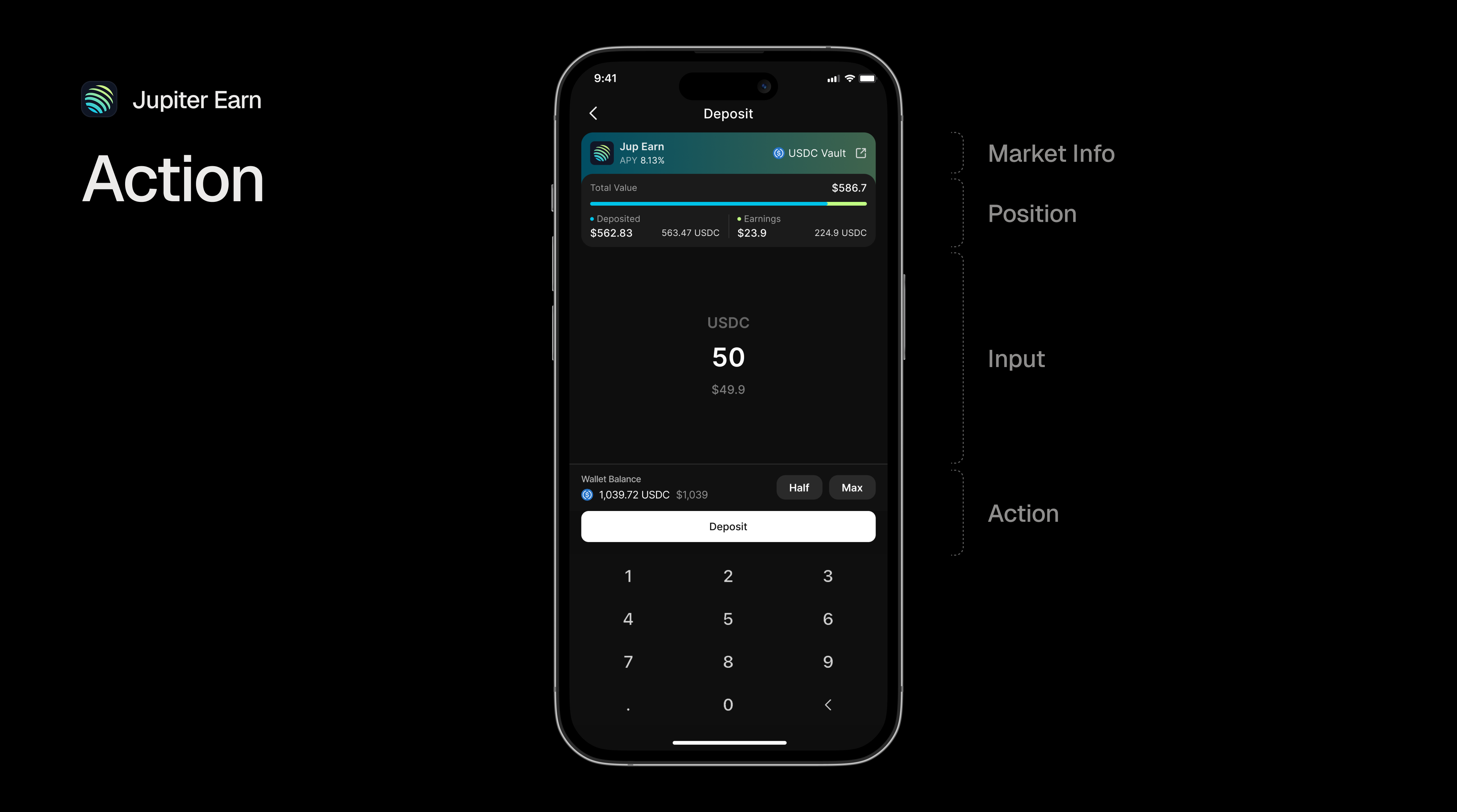
Depending on the market type you will be able to take various actions. The Markets and Positions APIs will return you the blink URLs for each available action, but you can also look in the API reference section below. Jupiter Lend Earn Action
Deposit Assets

To deposit assets, you can use our Deposit API that will return you a ready-to-sign transaction.
curl --request POST \
  --url 'https://jupiter.dial.to/api/v0/lend/earn/USDC/deposit?percentage=10' \
  --header 'Content-Type: application/json' \
  --data '{
  "account": "6JpNV6DK88auwzKVizdeT4Bw3D44sam5GqjcPCJ7y176"
}'

Withdraw Assets

To withdraw assets, you can use our Withdraw API endpoint.
curl --request POST \
  --url 'https://jupiter.dial.to/api/v0/lend/earn/USDC/withdraw?percentage=10' \
  --header 'Content-Type: application/json' \
  --data '{
  "account": "6JpNV6DK88auwzKVizdeT4Bw3D44sam5GqjcPCJ7y176"
}'