

Prerequisites
Before managing users, ensure you have completed these steps:- App Registration: Register your app with Dialect (see the registration guide if you need to set this up)
User Management Workflow Overview
Dialect’s user management follows a three-step process:- User Subscription: User subscribes to your app (via notification widget or SDK) and automatically gets IN_APP notifications
- Channel Management: User can add email and Telegram channels for additional notification delivery methods
- Topic Organization: Configure notification categories and topics that users can selectively subscribe to
Step 1: Subscription Management
Before a user can receive messages, they have to be subscribed to your service.Subscribe user
- SDK
- Notification Components
- API
Create a subscription for a user’s wallet address to your app. This automatically enables them to receive IN_APP notifications.
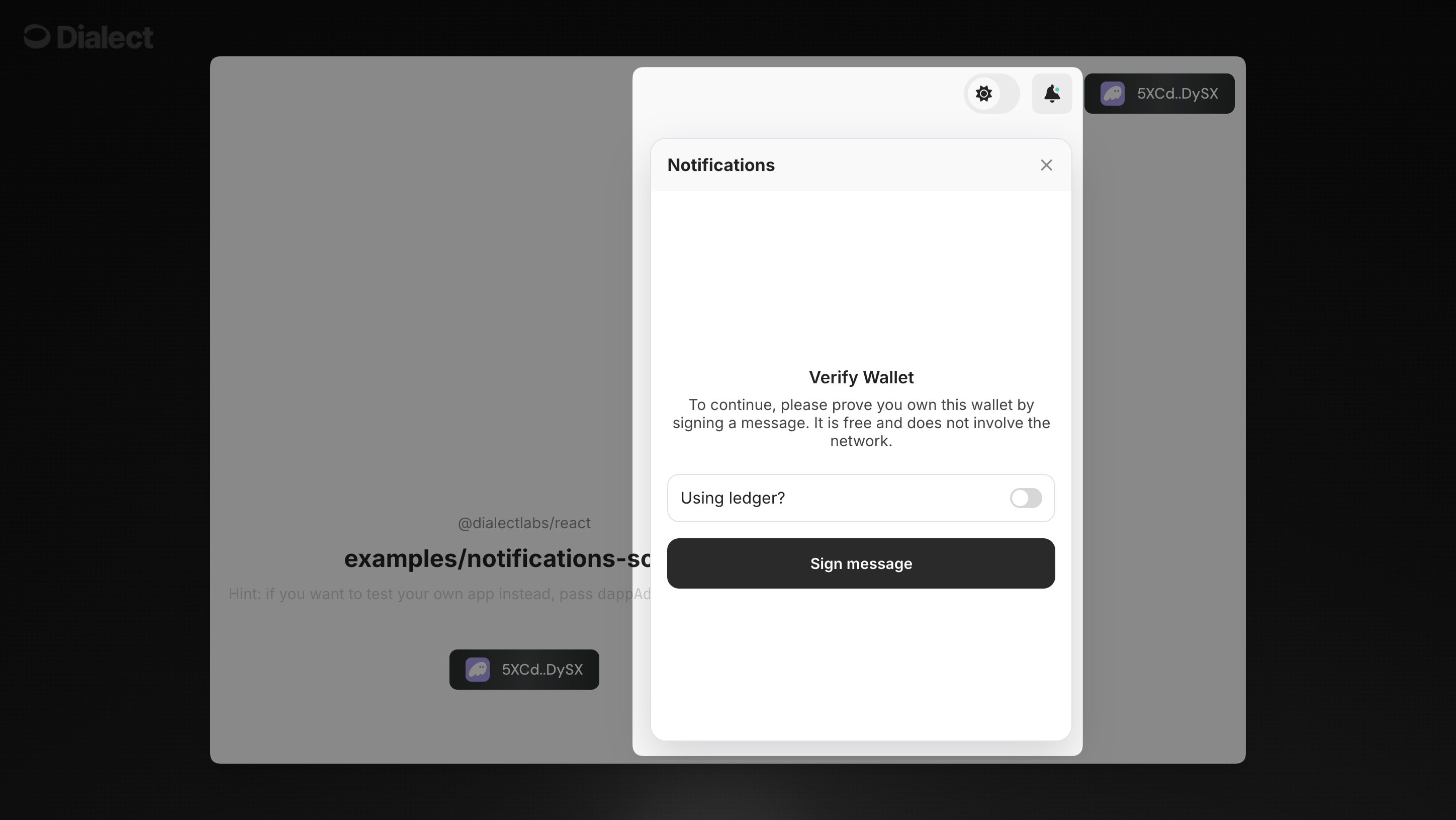
Enabling & disabling a subscription
- SDK
- Notification Components
- API
Enable/disable a subscription programmatically:
Getting subscriptions by id
- SDK
- Notification Components
- API
Retrieve a specific subscription using its unique ID:
Getting subscriptions by wallet
- SDK
- Notification Components
- API
Retrieve all subscriptions for a wallet address:
Getting subscribers by app
- SDK
- Notification Components
- API
Not available via SDK. Use the API method below for server-side subscriber management.
Deleting a subscription
- SDK
- Notification Components
- API
Remove a subscription completely:
Step 2: Channel Management
After subscribing to your app, users can add additional notification channels like email and Telegram. Users manage addresses via the Dialect data service, where they may add, verify, update & remove addresses for these various channels.Add User Email Address
- SDK
- Notification Components
- API
Add an email address for a user to receive notifications via email. The address will need to be verified before notifications can be sent.
Verify an address
- SDK
- Notification Components
- API
Dialect uses verification codes to verify ownership of web2 channels such as email and Telegram. These codes are sent to the address in question.If you did not receive the verification code, or if you failed to enter the correct value after several attempts, you can send a new code via the following call:
Get addresses owned by a wallet
- SDK
- Notification Components
- API
Retrieve address information for a wallet. This shows all the notification channels (email, Telegram) that a user has configured.You can also check email subscription status using the hook:
Subscribe to specific channels
- SDK
- Notification Components
- API
Use the
useNotificationChannelDappSubscription hook to manage email subscriptions:Unsubscribe from specific channels
- SDK
- Notification Components
- API
Use the same
useNotificationChannelDappSubscription hook to disable email notifications:Update an address
- SDK
- Notification Components
- API
You can update an address at any time. All of your subscriptions will remain intact, but won’t be sent until you re-verify.
Remove an address
- SDK
- Notification Components
- API
You can delete an address at any time. This will remove all subscriptions associated with that address.
Push Notifications
Push Notifications require a more complex setup and you can find a full walkthrough in the API section.Step 3: Topic Management
Create and manage notification topics to organize and categorize your app’s notifications. Topics help users subscribe to specific types of alerts they care about.Create a new notification type
- SDK
- Notification Components
- API
Define a new category of notifications for your app. Each notification type represents a specific kind of alert that users can subscribe to independently.
Update an existing notification type
- SDK
- Notification Components
- API
Modify the properties of an existing notification type, such as changing its name or trigger description. This is useful when refining your notification categories.
Get all topics
- SDK
- Notification Components
- API
Retrieve all notification types (topics) for your app:
Subscribe to topics
- SDK
- Notification Components
- API
Use the
useNotificationSubscriptions hook to manage topic subscriptions:Unsubscribe from topics
- SDK
- Notification Components
- API
Use the same
useNotificationSubscriptions hook to unsubscribe from topics:Get topic subscription status
- SDK
- Notification Components
- API
Use the
useNotificationSubscriptions hook to get topic subscription status:Best Practices
💡 User Experience Tips:- Start users with a simple subscription, then let them add channels as needed
- Create meaningful notification types that users actually want to subscribe to
- Good topics are specific enough to be useful but broad enough to generate regular content
- Always respect user preferences and make unsubscribing easy
- Always subscribe users to your app first using
dappAddresses.create()before adding additional notification channels - Implement proper error handling for address verification flows
- Use batch operations when managing multiple users to avoid rate limits
Next Steps
Now that you understand user management concepts, you’re ready to implement notification components:- NotificationsButton - Complete done-for-you solution
- Notifications - Standalone component for custom integration